 Calmly Writer

Export and print
Word and PDF from the document on the screen, and what to use for HTML and Markdown instead.
Export
Export in the main menu asks for a format and a place:
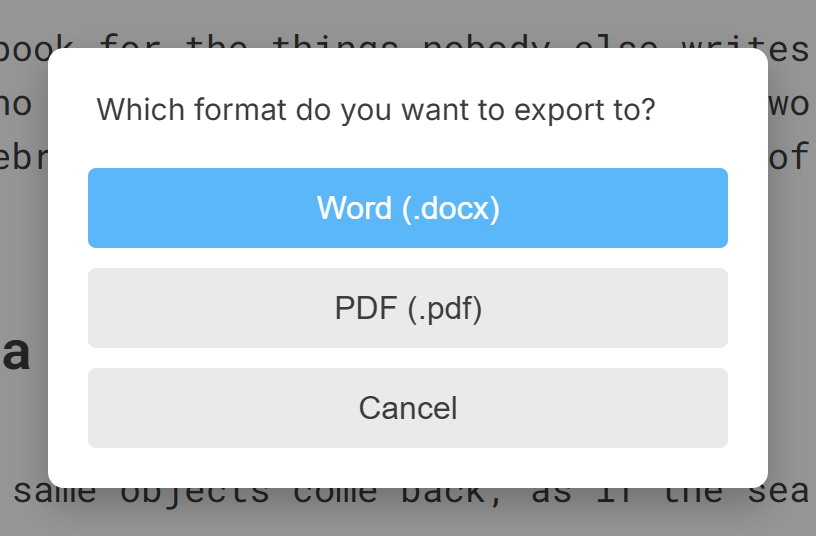
- Word (.docx): a document Word, LibreOffice and Google Docs open, with the headings, lists, tables, links and images of the original. Comments become Word comments, in their colour.
- PDF (.pdf): the document laid out as it is on the screen, in the font and size you are using. There are no page-size or margin settings: the PDF is the printed page, and the printer dialog’s own options apply.
Exporting writes a new file and leaves the document in its own format.
HTML and Markdown
Those two are not exports but formats the app saves in: use Save as and choose .html or .md. To take a part of the document as code without saving anything, the right-click menu has Copy HTML and Copy Markdown; see Copy and paste.
Ctrl+P⌘P, or Print in the menu, prints the document with the system’s print dialog, in the font and size of the screen. On Android, the system’s print dialog is also where Save as PDF lives, and the PDF export goes through it.
More in Files
The files Calmly Writer opens and saves, what each one keeps, and which to choose as the default.
Saving by hand or letting the app do it, where new documents go, and how they are named.
The open dialog, the list of recent files, and the other ways a document can arrive in a tab.
The copies the app keeps of every open document, how to go back to an earlier one, and how to get back a document you closed without saving.
What the app does when a file open in a tab is changed by another program, a sync service or another computer.
Keeping documents in Google Drive, Dropbox or OneDrive, on the desktop and on Android, and what each service can and cannot do.