 Calmly Writer

Word count, reading time and targets
The counter at the bottom of the window, what it can show, and a target in words or characters for the document.
The counter
The bottom right of the window shows the words, the characters and the reading time of the document. Ctrl+Shift+C⇧⌘C hides it while you type and shows it again; while hidden, the numbers are still in the main menu.
The gear next to the counter chooses what it shows:
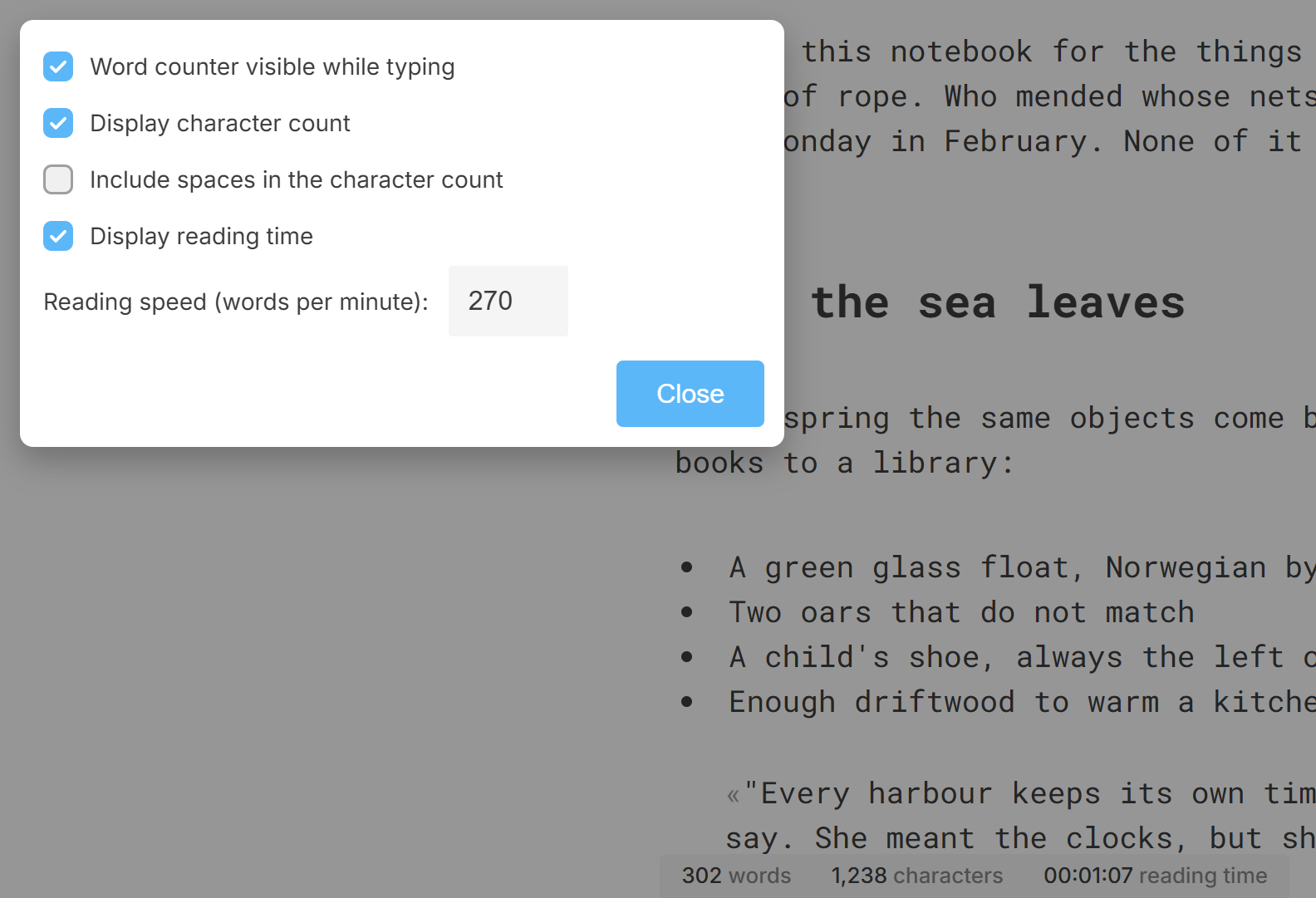
- Word counter visible while typing
- Display character count, and whether to Include spaces in the character count
- Display reading time, worked out from the reading speed you set, in words per minute. The default, 270, is an average adult reading silently.
A target
The target icon next to the counter sets a goal for the document, in words or in characters.
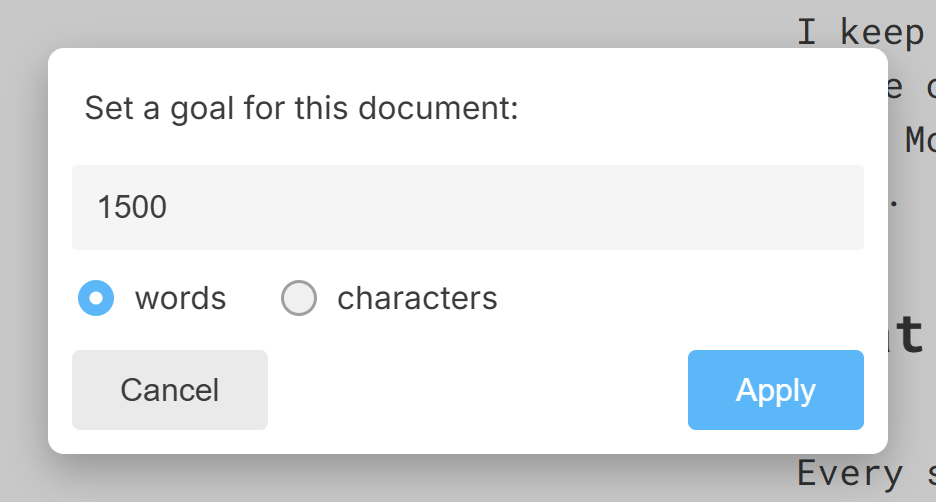
While a target is set the counter reads 312 of 1,500 words, and the app tells you when you get there. The target is kept with the document in the .calmly format; in other formats it lasts while the tab is open.
Comments do not count: they are notes about the text, not the text.
More in Focus and appearance
Dimming everything but the paragraph you are writing, hiding the cursor and the tabs, and taking the whole screen.
Six themes and a colour of your own, the colour of the text and of the cursor, and the shape of the cursor.
The three built-in typefaces and the ones on your system, the width of the text column, the size of the type and the space between lines and paragraphs.
A sound for every key, in three flavours, with its own volume.