 Calmly Writer

Themes and colours
Six themes and a colour of your own, the colour of the text and of the cursor, and the shape of the cursor.
Themes
offers six: Light, Dark, Black (for OLED screens, where black pixels are off), Sea, Dune and Classic, white text on blue like the word processors of the eighties.
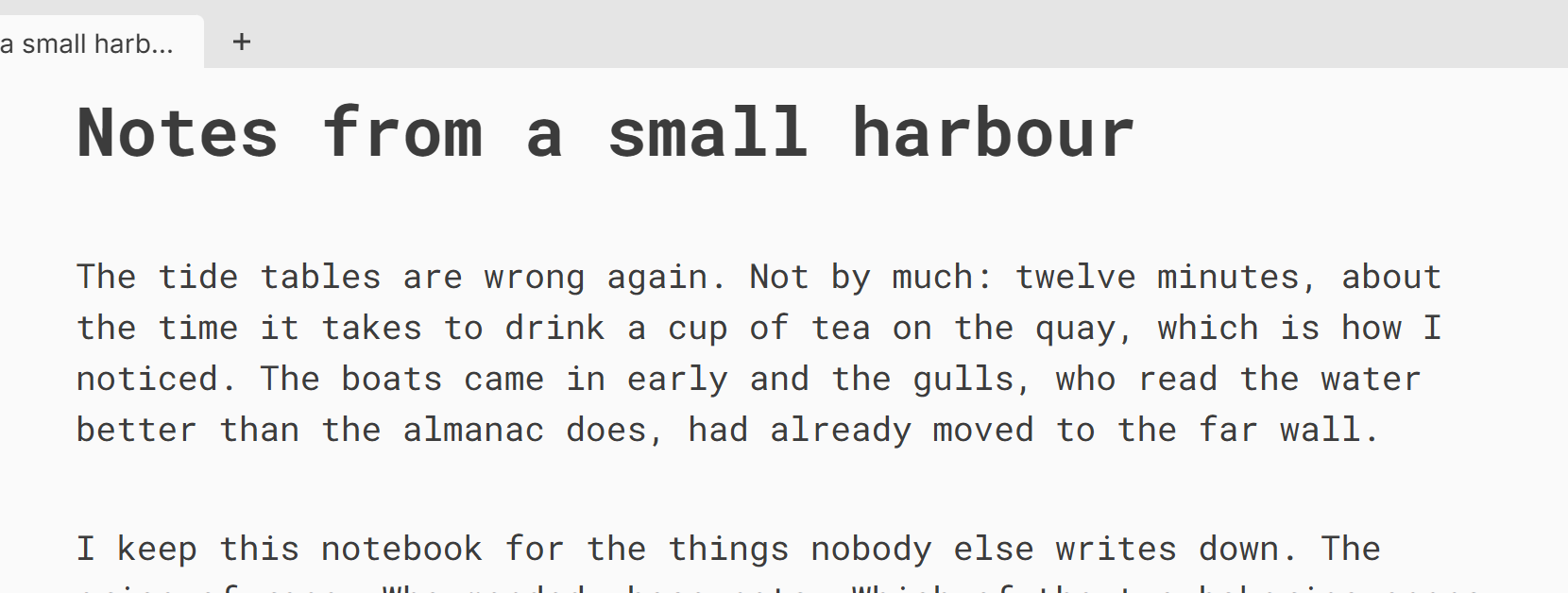
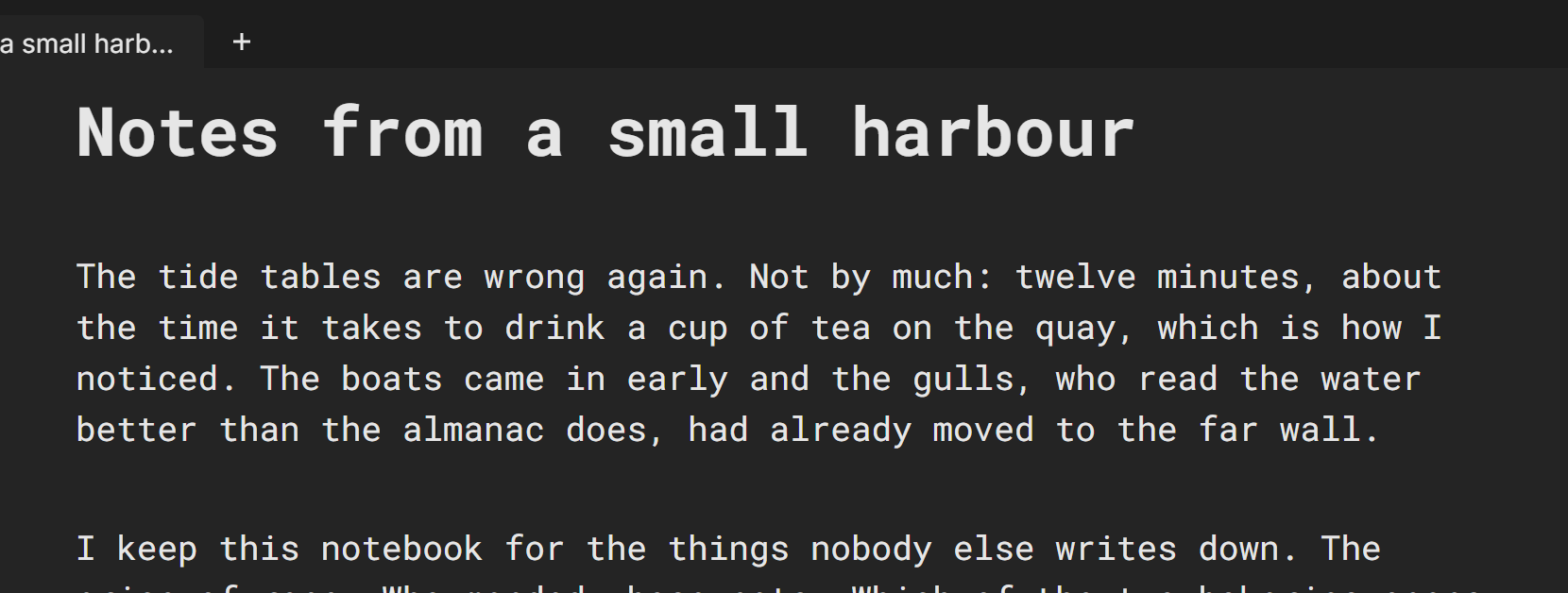
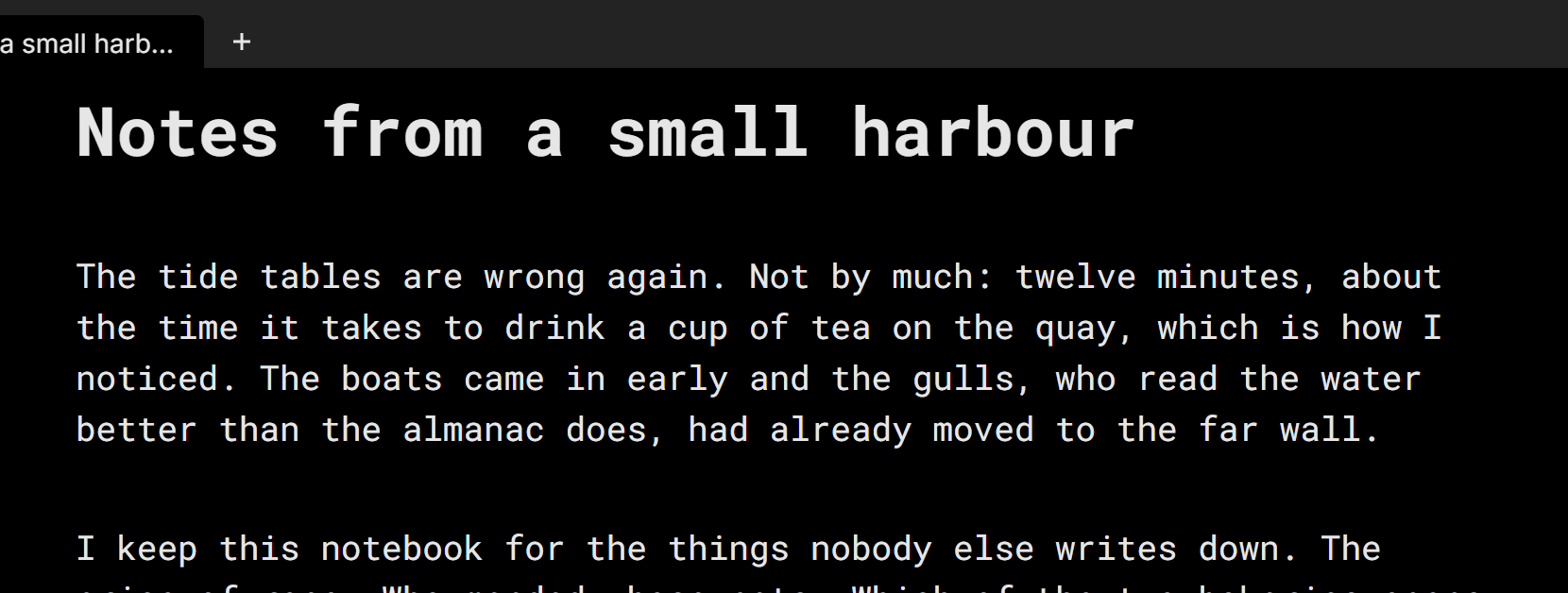
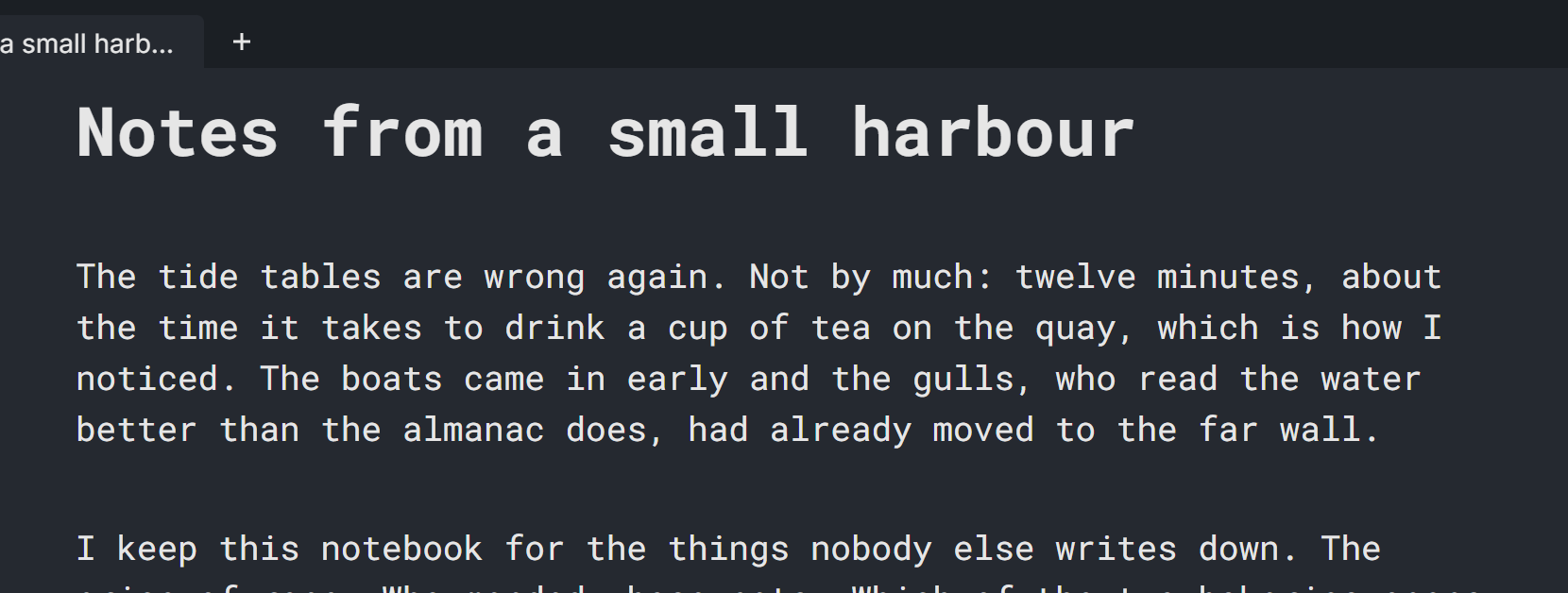
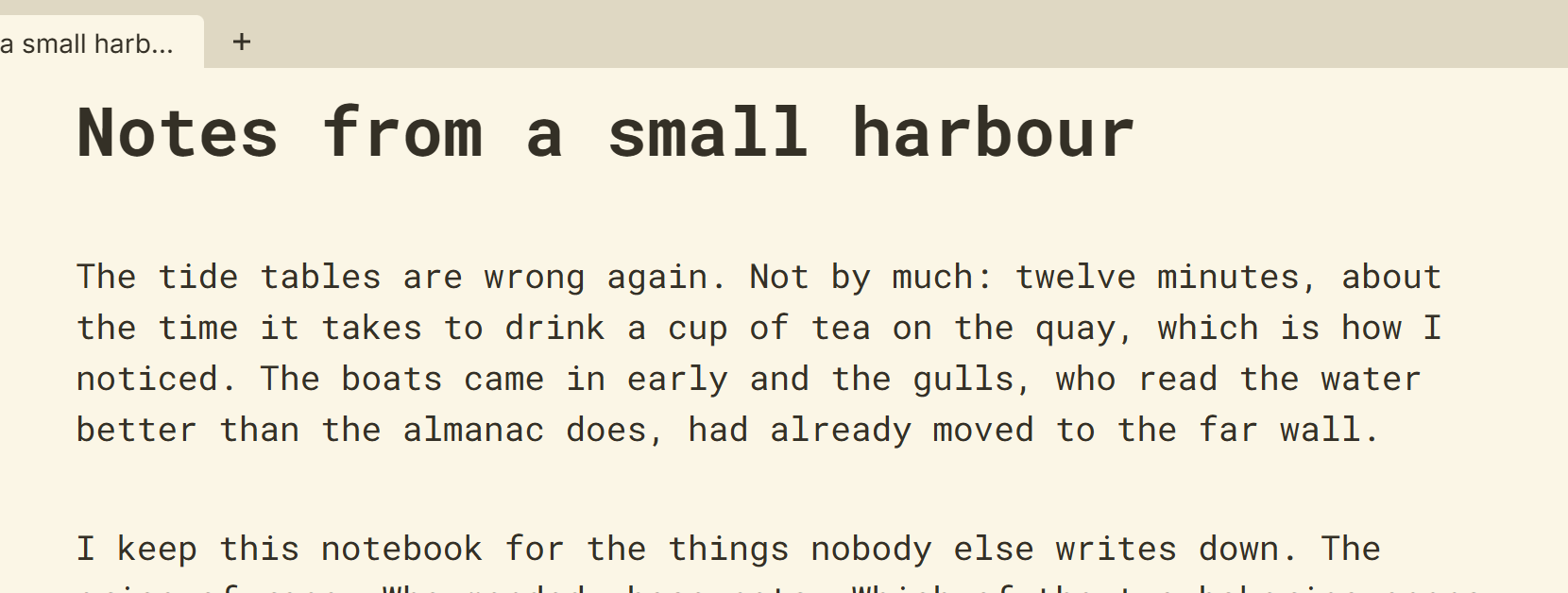
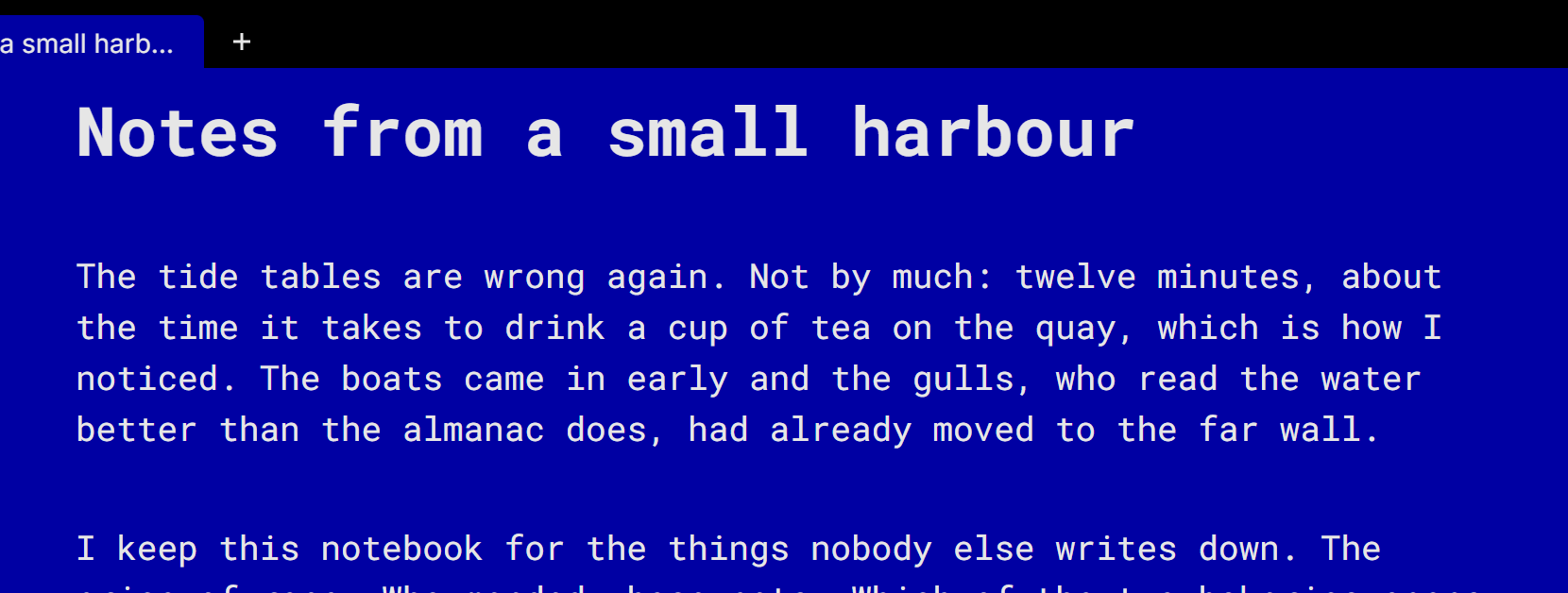
Under the six there is a seventh swatch for a colour of your own. Pick any background colour and the app works out the rest: light text on a dark colour, dark text on a light one, and the menus and dialogs to match.
Calmly Writer does not switch theme with the system’s light and dark mode: the theme you choose is the theme you get, at any hour.
Text and cursor colours
Font Color changes the colour of the text within the theme: the default, blue, pink, green, orange or a custom colour. Caret Color does the same for the cursor; it is blue unless you change it, so it stands out from the text.
The shape of the cursor
Caret shape draws the cursor as a thin bar, as a block over the next character, or as an underscore below it. The block and the underscore are the shapes of the old terminals, and go well with the Classic theme. The setting is shown where the system can draw the shape; on some Android versions it is not available.
More in Focus and appearance
Dimming everything but the paragraph you are writing, hiding the cursor and the tabs, and taking the whole screen.
The three built-in typefaces and the ones on your system, the width of the text column, the size of the type and the space between lines and paragraphs.
The counter at the bottom of the window, what it can show, and a target in words or characters for the document.
A sound for every key, in three flavours, with its own volume.